Your orders, addresses and receipts
Past orders, saved addresses and the receipt for each order.
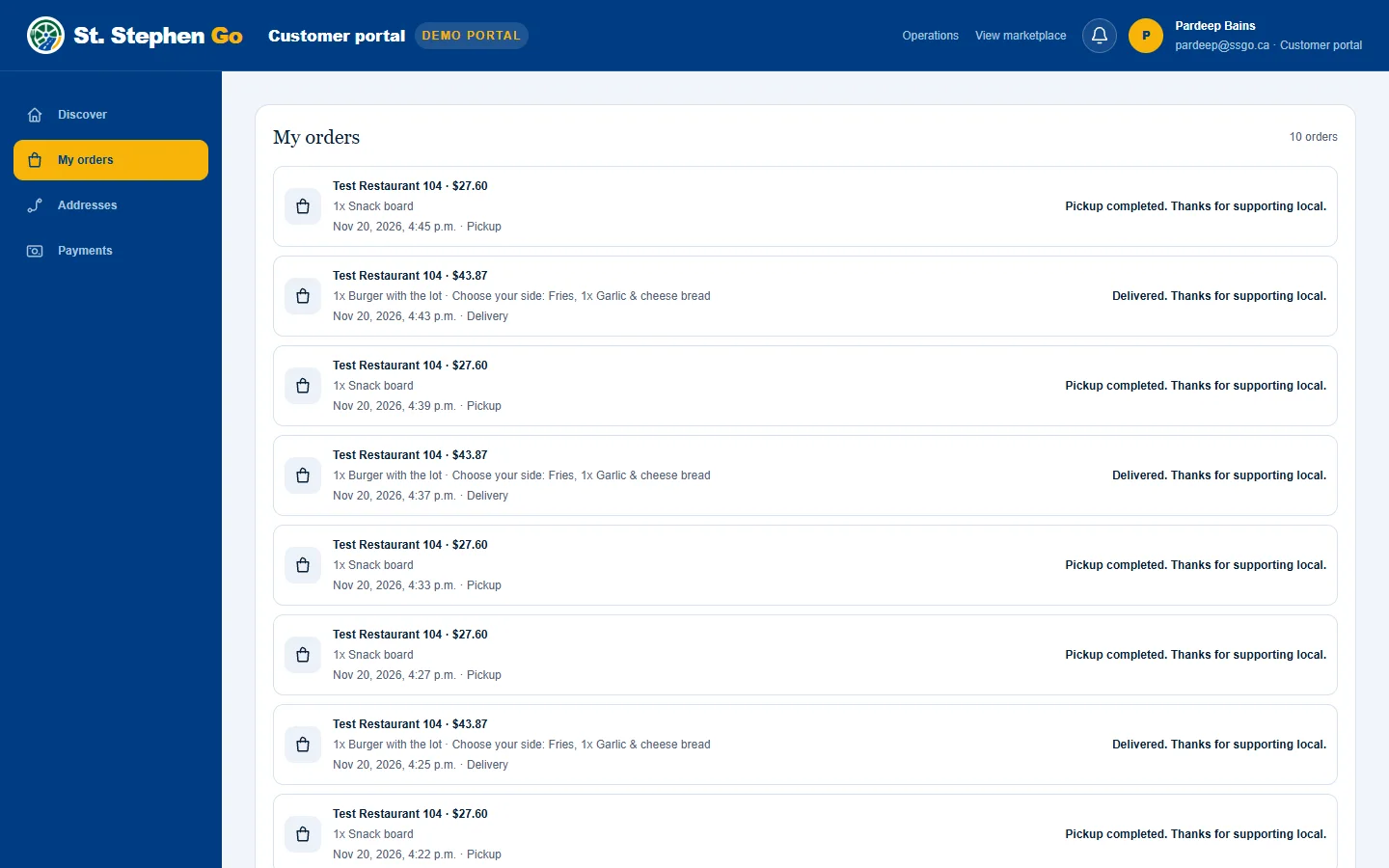
Open your customer page at ssgo.ca/customer. The menu has four parts: Discover, My orders, Addresses and Payments.
My orders
Every order you have placed, newest first, with the restaurant, the date and the total. You need to be signed in to see it.
Addresses
Save the places you order to, so you can choose one with a tap at checkout.
- Open Addresses and tap Add address.
- Search for the address and pick it from the suggestions.
- Give it a label, such as Home or Work, and tap Save address.
To change one, search for a replacement address or edit its label. To delete one, remove it from the list.
Your receipt
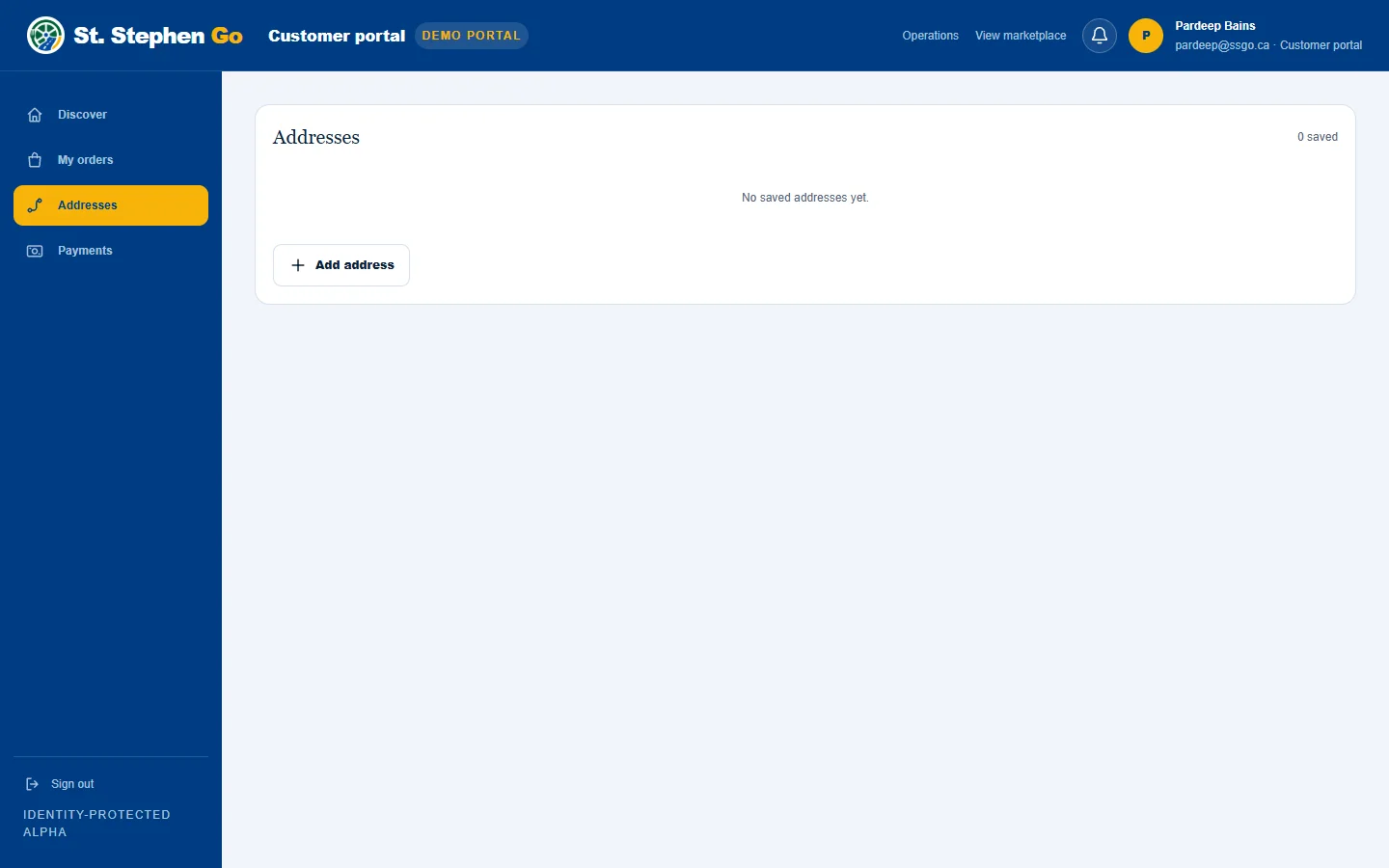
Each finished order has a receipt on your order page. It shows:
- the receipt number and when it was issued,
- the food total, and the food HST with the restaurant's own GST/HST number, because the restaurant sells you the food,
- for a delivery, the delivery charge and the driver tip,
- the total, and a line saying so if the payment was refunded,
- who issued the receipt: St Stephen Go Delivery Inc.
Payments
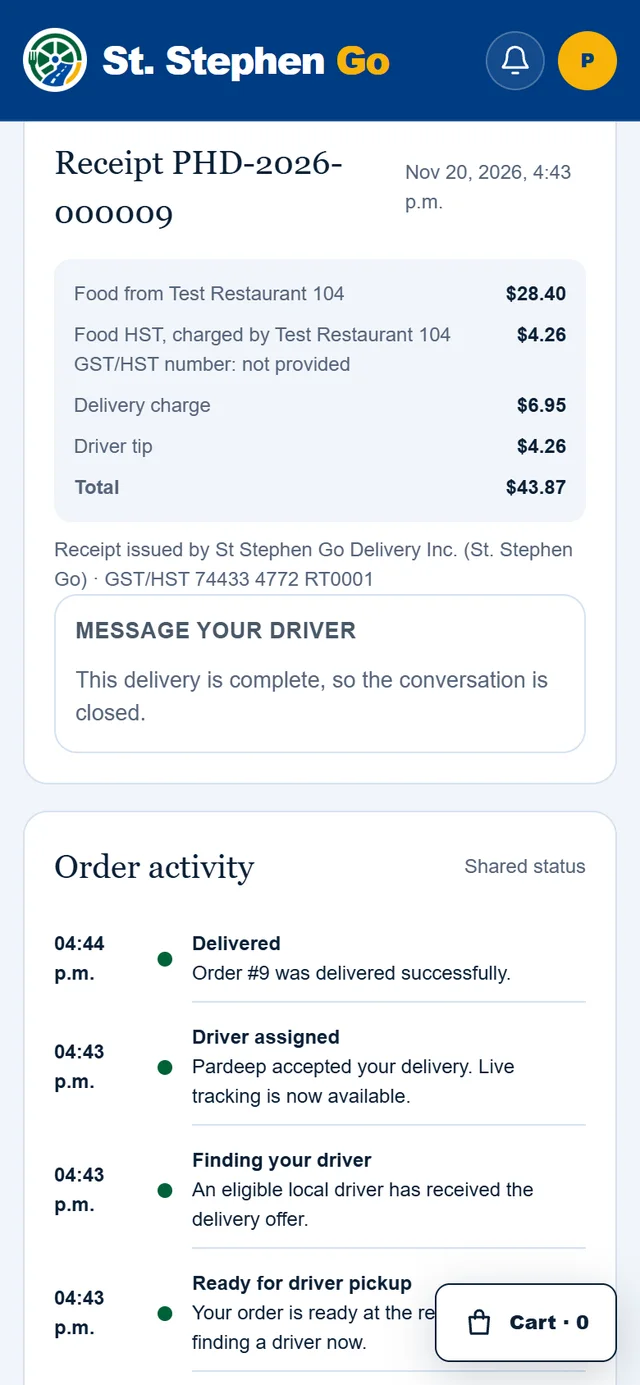
Saved payment methods are not available yet. You enter your card each time you order.
Signing out
Tap Sign out in the menu.
Need help? Call or text Pardeep Bains at (506) 321-7974, or email pardeep@ssgo.ca.
St. Stephen Go is new. No real customer payment has gone through it yet, and card payments run in test mode until Pardeep says otherwise in writing.