
Doing a delivery, step by step
From accepting the offer to handing over the order.
Each step has one screen and one action. Every action that moves the order is a swipe.
1. Drive to the restaurant
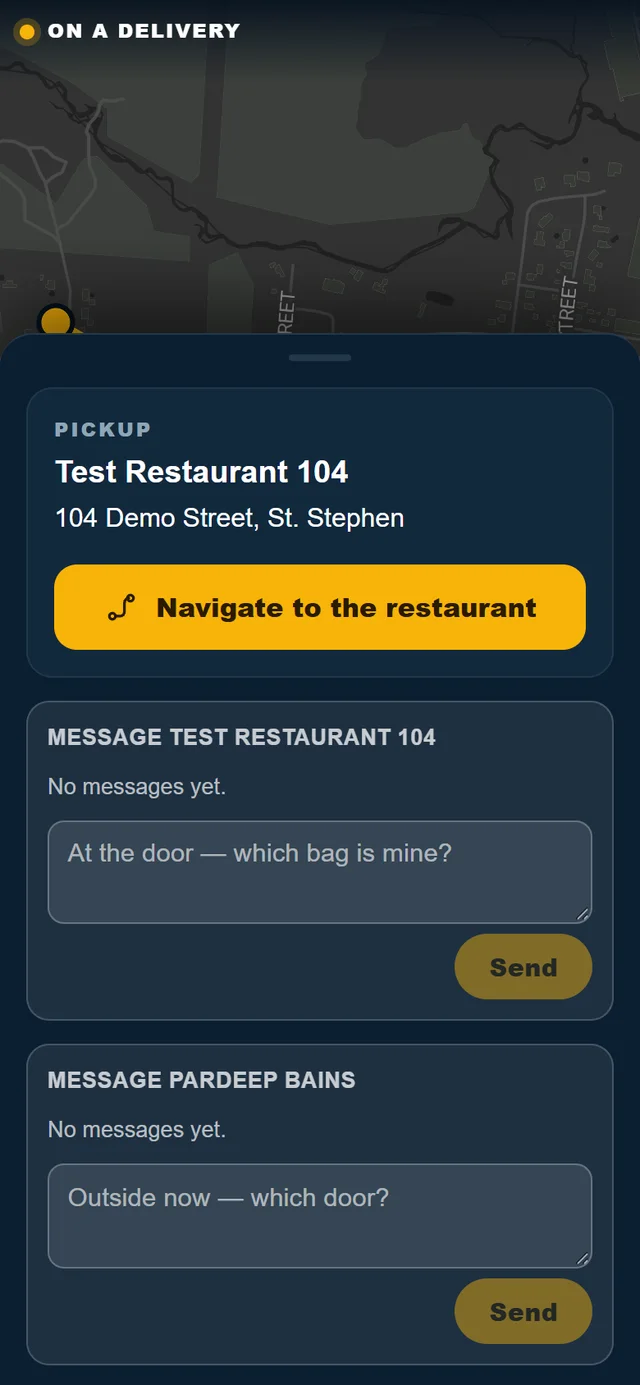
After you accept, the screen says Heading to the restaurant.
- Tap Navigate for turn-by-turn directions. In the app, turns are spoken aloud.
- The restaurant's pickup instructions are shown, for example which door to use.
2. Collect the order
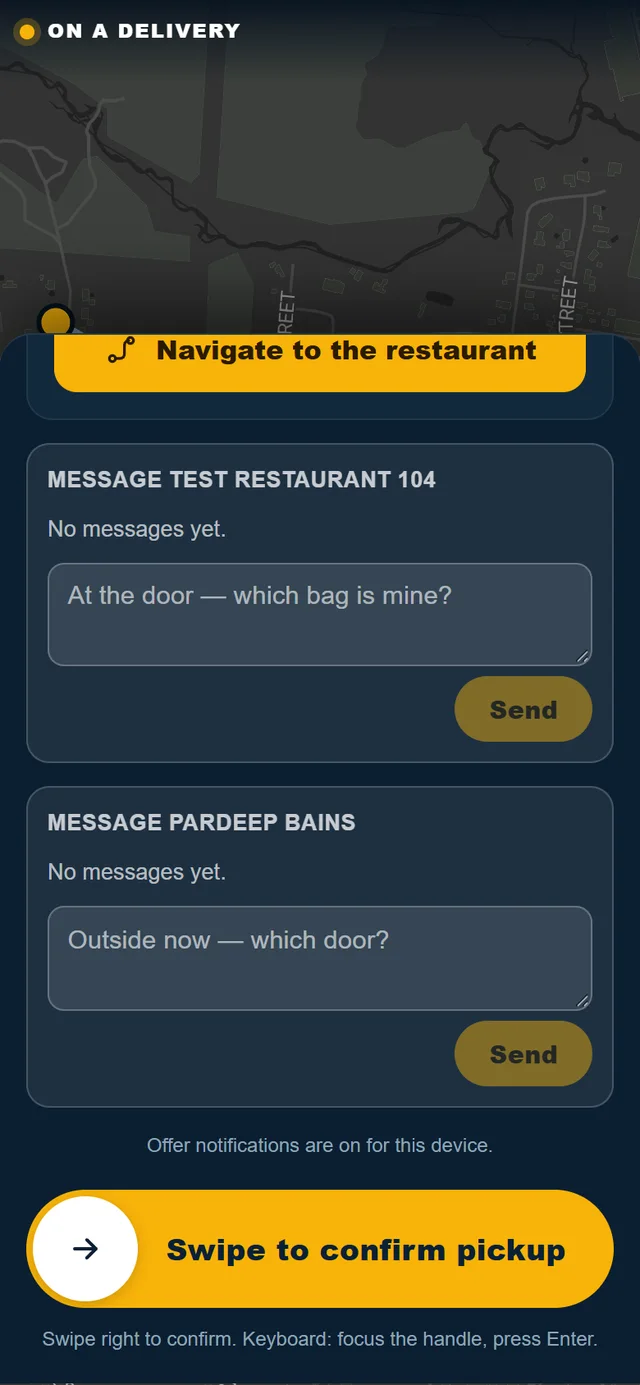
When you arrive, the screen changes to At the restaurant: Pick up the order.
- Give the restaurant the order number.
- Check the bags against the order.
- Swipe to confirm pickup.
If the screen hasn't noticed you've arrived, open Details and use Swipe if you are at the restaurant.
3. Drive to the customer
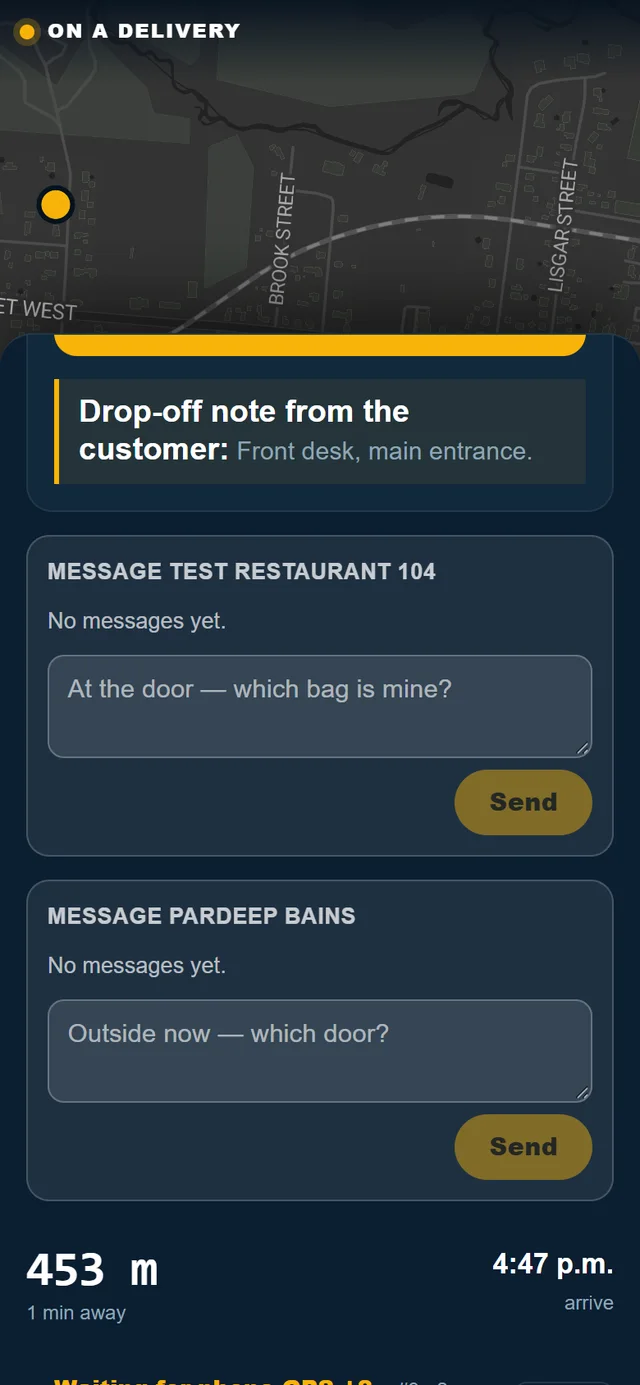
The screen says Heading to the customer, with the delivery address and the customer's note for you, such as a gate code or where to leave the order. Tap Navigate for directions.
4. Hand over the order
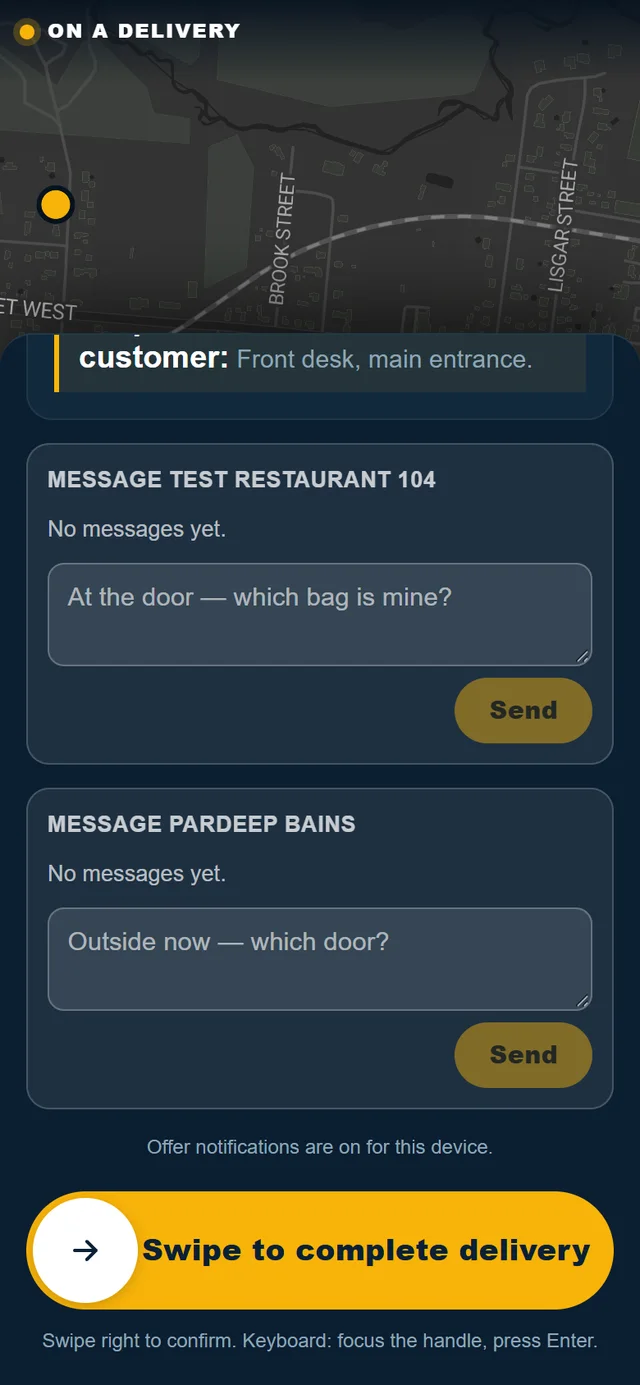
At the address, the screen changes to At the customer: Hand over the order.
- Hand the order to the customer, or leave it where their note asks.
- Swipe to complete delivery.
If the screen hasn't noticed you've arrived, open Details and use Swipe if you are at the customer.
5. Done
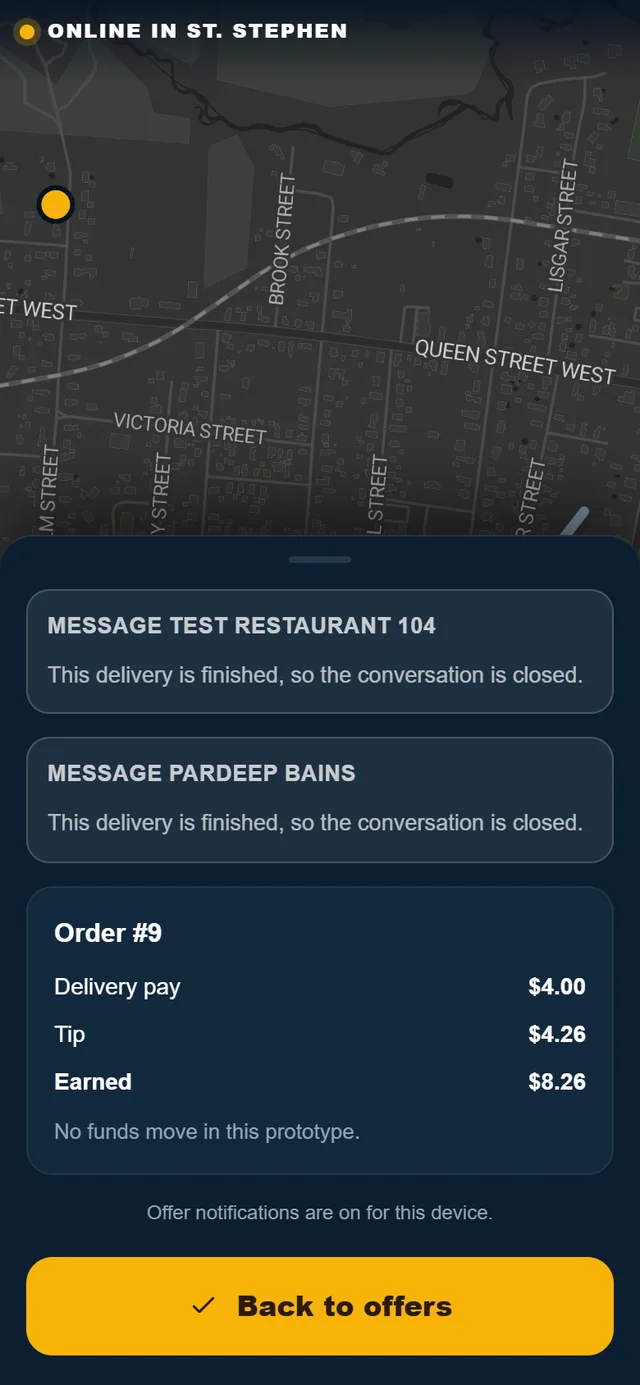
The screen says Delivered. Nice work. and shows what you earned: delivery pay, tip and the total. Tap Back to offers to take the next one.
Messages during a delivery
You can message the restaurant and the customer about the delivery you are on, for example "At the door — which bag is mine?" or "Outside now — which door?". The newest message from them shows on the driving screen, even while you are navigating. Conversations close when the delivery is finished.
Stop the car before you read or type.
If you can't finish a delivery
Call Pardeep straight away at (506) 321-7974. Don't leave a customer's order undelivered without telling St. Stephen Go.
Need help? Call or text Pardeep Bains at (506) 321-7974, or email pardeep@ssgo.ca.
St. Stephen Go is new. No real customer payment has gone through it yet, and card payments run in test mode until Pardeep says otherwise in writing.