The driver app and signing in
Getting the app on your phone, and the two driver screens.
The app
The St. Stephen Go driver app is an Android app. It is not in the Play Store: Pardeep installs it on your phone with you. The app opens the same driver screens as ssgo.ca/driver, and adds what a browser can't do well: GPS that keeps working during a delivery, spoken turn-by-turn directions, and an alert that wakes the phone when an offer arrives.
You can also open ssgo.ca/driver in your phone's browser.
Signing in
- Open the app, or go to ssgo.ca/driver.
- Tap Continue with Google. This is the fastest on a phone: one tap, and you come straight back to the driver screen.
- No Google account? Type your email address and tap Email me a sign-in link. The link opens in your mail app and brings you back to the driver screen.
Two screens
| Screen | Where you see it | What it is for |
|---|---|---|
| The driving screen | On a phone | Going available, taking an offer, and doing the delivery. Dark, with a map, and one action at a time. |
| The driver portal | On a computer or a wide tablet | Today, Earnings, Deliveries, Performance and Documents. |
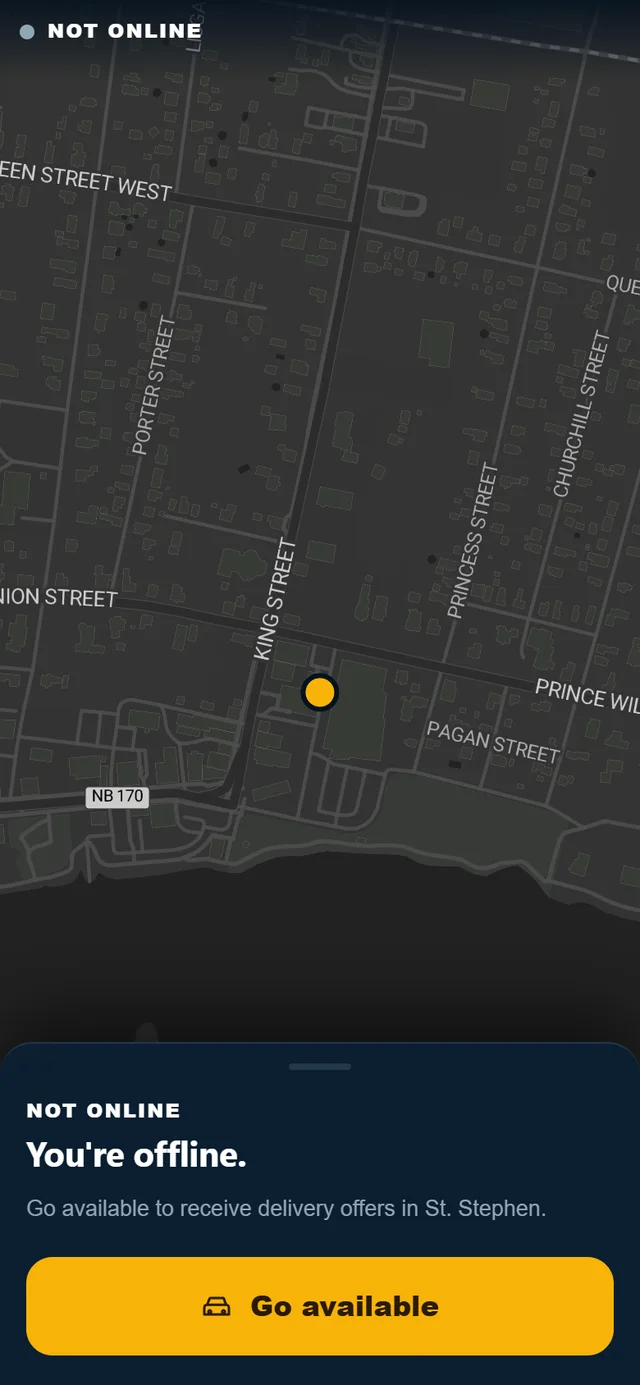
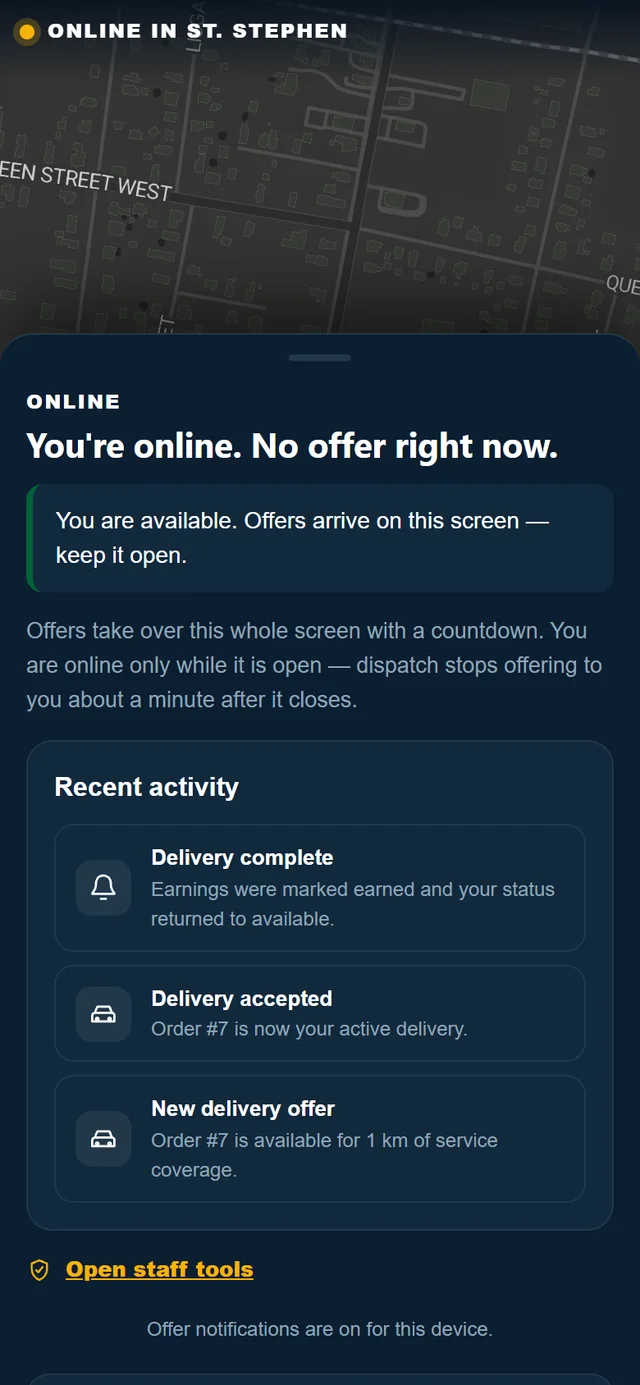
From the driver portal, Go to the driving screen opens the driving screen. From the driving screen on a wide display, Back to earnings returns to the portal.
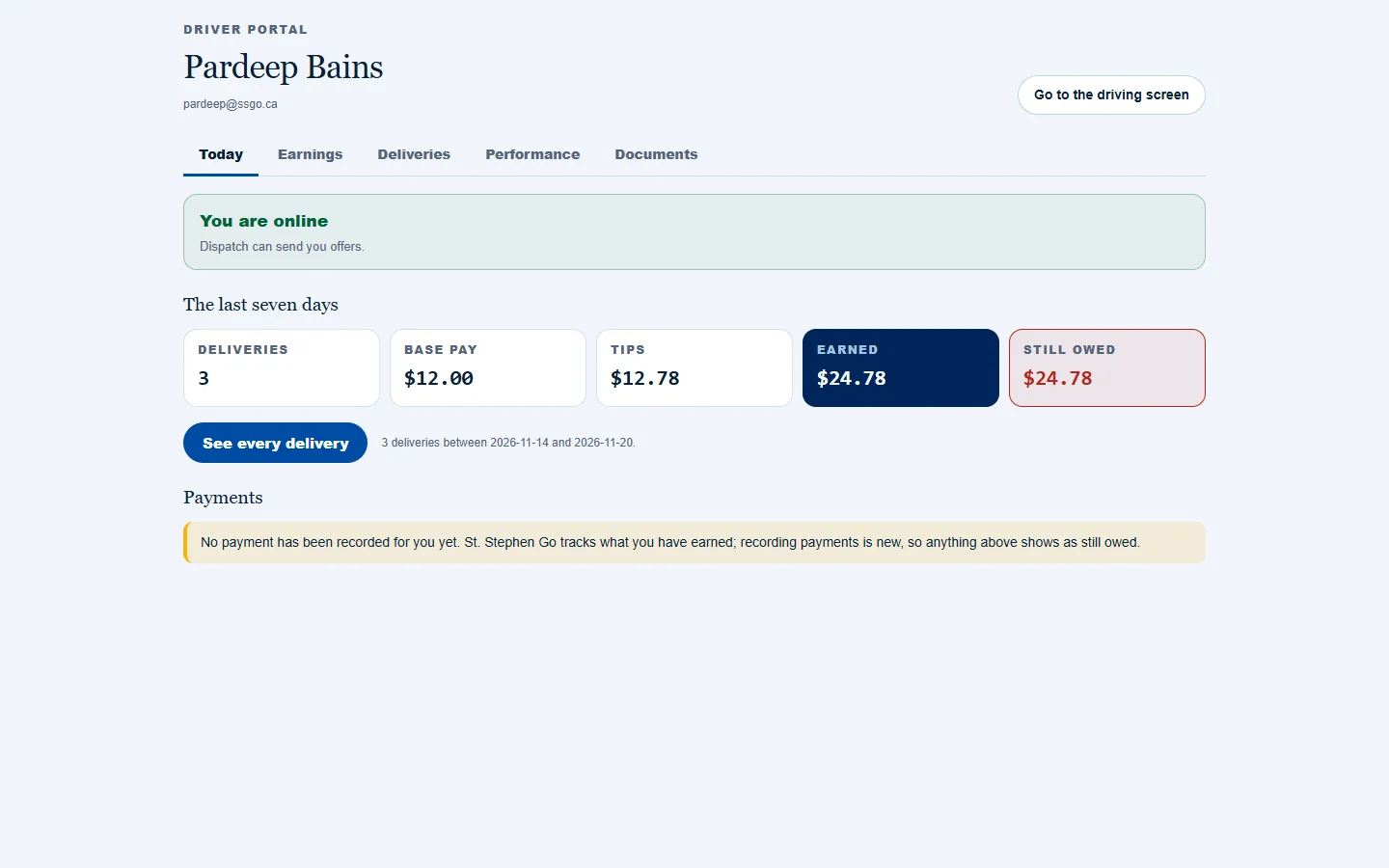
Keep the app open while you are available
Offers arrive on the driving screen. Dispatch stops offering to a driver whose app has not checked in for a minute, so keep the screen open while you want work.
Need help? Call or text Pardeep Bains at (506) 321-7974, or email pardeep@ssgo.ca.
St. Stephen Go is new. No real customer payment has gone through it yet, and card payments run in test mode until Pardeep says otherwise in writing.