Your storefront: brand profile and pickup instructions
How your restaurant looks to customers, and what drivers are told when they collect an order.
A manager or the owner opens Brand. What you save here is what customers see on ssgo.ca.
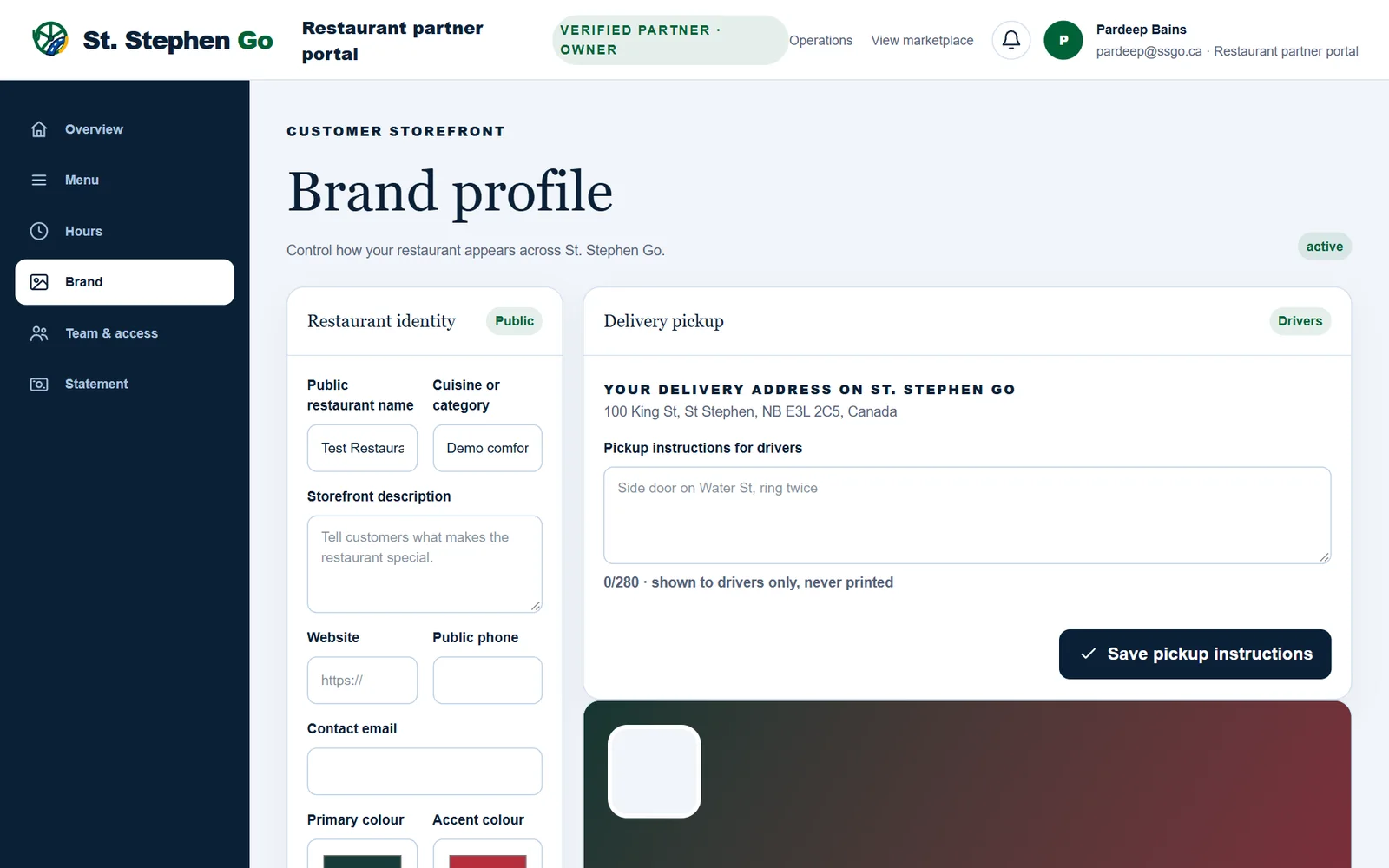
Restaurant identity
| Field | What it is for |
|---|---|
| Public restaurant name | The name customers see. |
| Cuisine or category | A short label, such as Comfort food or Bakery. |
| Storefront description | A sentence or two on what makes you worth ordering from. |
| Public phone and contact email | How customers can reach you. |
| Primary colour and accent colour | The colours used on your storefront. |
| Restaurant logo | A square image. |
| Storefront cover | A wide photo. This is what your card on the ssgo.ca home page shows. |
Tap Publish brand profile to save. Uploading an image is not enough on its own: the page reminds you to save the profile to publish it.
Pickup instructions for drivers
Under Delivery pickup, type where a driver should collect orders, for example "Side door on Water St, ring twice", and tap Save pickup instructions. Drivers see this on their way to you.
Your delivery address
The page shows your delivery address on St. Stephen Go. It is where delivery distance and fees are measured from, so it is set by St. Stephen Go rather than typed. To change it, contact Pardeep.
"Hidden from customers"
If the page shows Hidden from customers, your restaurant isn't live yet. Customers can't see it or order from it until Pardeep presses Go live. See Getting started.
Need help? Call or text Pardeep Bains at (506) 321-7974, or email pardeep@ssgo.ca.
St. Stephen Go is new. No real customer payment has gone through it yet, and card payments run in test mode until Pardeep says otherwise in writing.