
Choices and add-ons
Sizes, sides, toppings and extras on a dish.
A choice group is one question about the dish, like "Choose a size", "Choose your side" or "Add toppings".
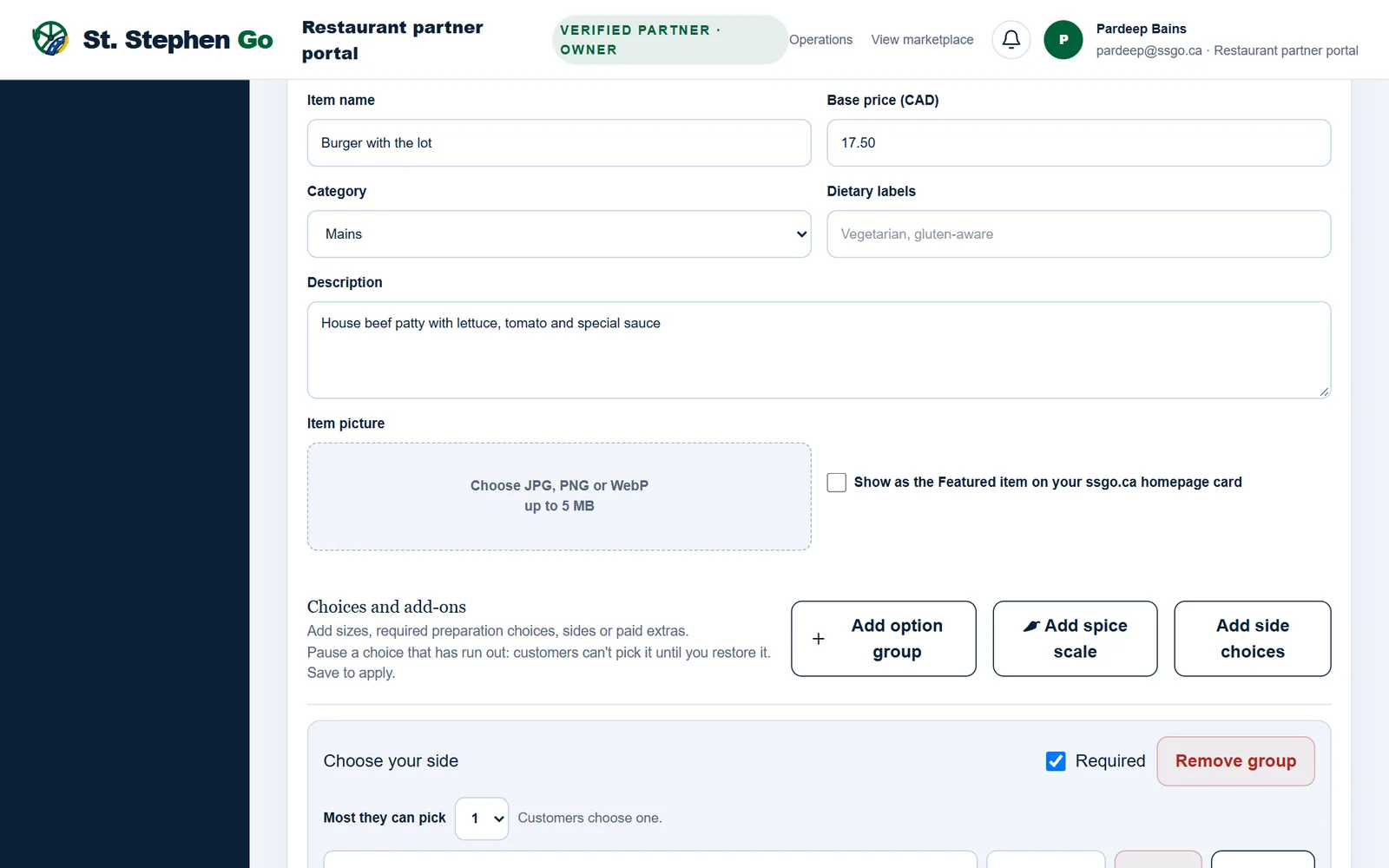
Add a choice group
- Open the dish with Edit and tap Add option group.
- Name the group, for example Choose a size.
- Tick Required if the customer must choose before adding the dish to their cart. Leave it unticked for an optional extra.
- Set Most they can pick: 1 for "pick one", like a size, or more for toppings.
- Type the first choice, for example Small, and its additional price: 0.00 if it costs nothing more, or the extra amount, like 2.00.
- Tap Add choice for each one after that.
- Tap Save to customer menu.
Remove takes a choice out (a group keeps at least one). Remove group takes the whole group out.
How the price adds up
The extra price is added to the base price, for every choice the customer ticks. A customer who picks a $14.50 dish with a $2.00 side pays $16.50, plus HST.
One choice ran out
Tap Pause beside the choice, then Save to customer menu. Customers can't pick it until you tap Restore and save again. The rest of the dish still sells. A required group needs at least one choice that isn't paused.
Two shortcuts
- Add spice scale: a required group from No spice to Kitchen challenge, with pepper icons.
- Add side choices: a required "Choose your side" with sample sides and prices. Change them to your own before saving.
Limits
A dish can have up to 8 groups, with up to 20 choices each. Extra prices go from $0 to $250.
Need help? Call or text Pardeep Bains at (506) 321-7974, or email pardeep@ssgo.ca.
St. Stephen Go is new. No real customer payment has gone through it yet, and card payments run in test mode until Pardeep says otherwise in writing.